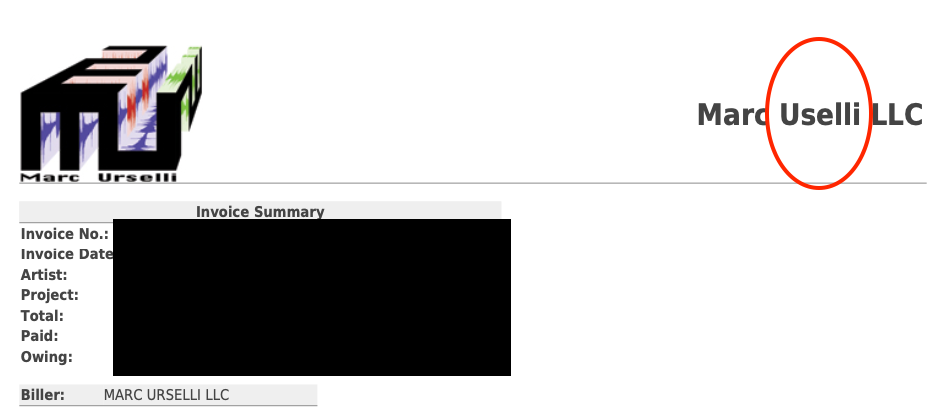
Hello I’m trying for the life of me to find WHERE I can change the company name on the PDF invoices that are created. THere is a typo in my company name I need to fix and I’ve looked everywhere but cannot find where to change this so that when the PDF invoice is created it has the correct company name at the top right of the invoice.
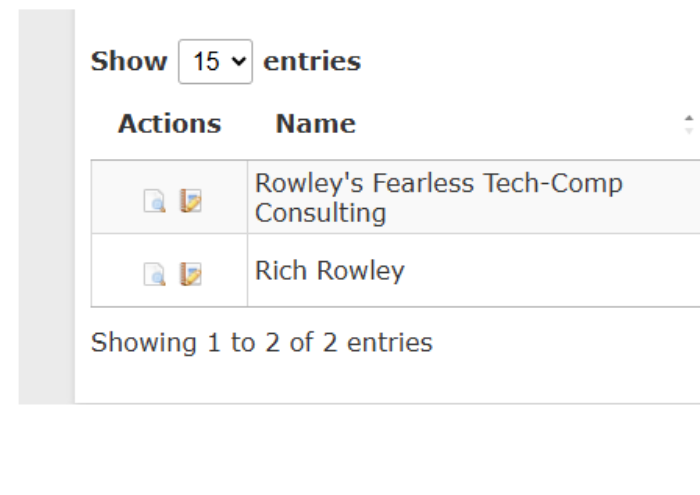
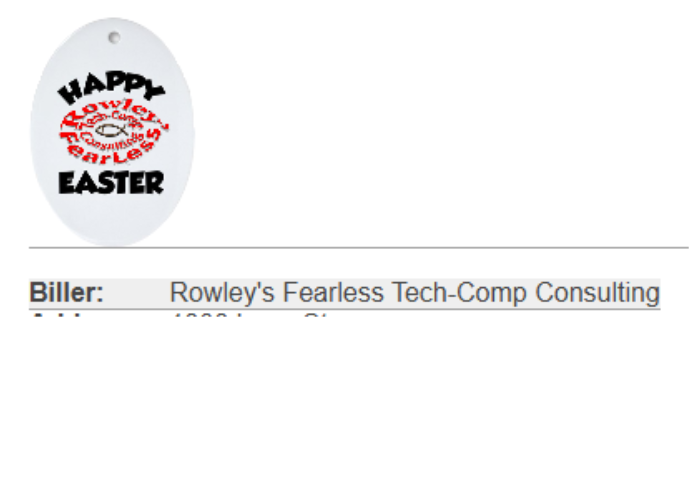
I think you are referring to the Biller Name. If that isn’t it, add a screen shot of the invoice you are referring to and also let me know the setting for Default Invoice Template your are using. This is a SI Defaults field setting.
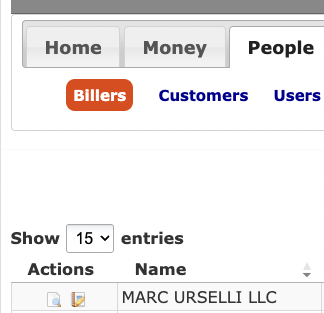
Inside the SI menu PEOPLE > BILLERS it is spelled correctly, however in my PDF invoices the biller name in the top right corner is misspelled and I can’t find where to correct this…
I checked inside the SI Defaults and it is spelled correctly in there as well. Inside the SI Defualts the “Default Invoice Template” is set to “default”.
.


Recent Comments